 Case Studies
Umumiy_uz Case Study: Odoo Implementation for a Distribution Company in Uzbekistan and +7–9% Profit Growth
This case study shows how we implemented Odoo for Umumiy_uz and unified: product cost & margin visibility, customer hist...

This Telegram assistant is being built for a client who does not want to split everyday tasks across Gmail, Google Calendar, and reminder tools. The client’s team should not have to think about which service to open to find an email or check a meeting. They submit a request by text or voice, and the assistant selects the right service. If authorization is required to access an account, the assistant asks only for that approval. It then picks up where it left off instead of asking the user to repeat the original task. The goal is not to cram multiple functions into one interface. The goal is to manage everyday work through one uninterrupted conversation.
To find an email, you have to open Gmail. For a meeting, you switch to the calendar, and for the next task, to yet another tool. Each action is small, but it is repeated over and over throughout the day. The problem is not the services themselves. It is that users are forced to decide which tool they need every time.
Our position is clear: the assistant, not the user, should choose the service. Even if approval is required to connect a Google account, the original task should not be lost. Once the user grants access, the assistant continues the work.
The assistant operates in a separate private Telegram group for each client. Topics within the group keep conversations organized. The user does not have to choose which service to contact.
By text or voice, users can search Gmail for an email and prepare a draft reply. In the same conversation, they can view Google Calendar events, create a reminder, reschedule it, or cancel it. Access is restricted to approved users within the private Telegram space.
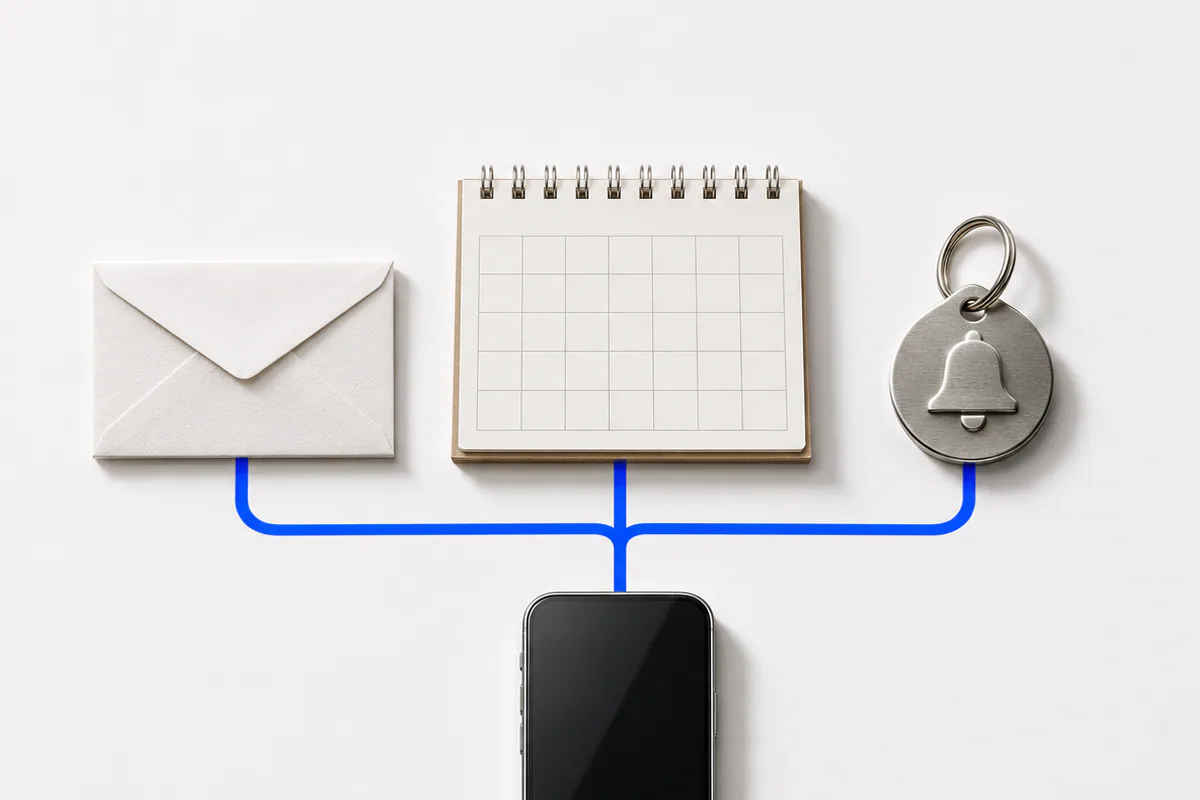
The user does not manage the services. They simply ask for the result they need in plain language.
Approximately 25 engineering hours were allocated to the pilot.
The pilot can already search Gmail for emails and prepare draft replies. Google Calendar viewing, personal reminders, and voice interaction are also ready. In the next phase, the Mail.ru and Odoo integrations will be completed, automatic service connections will be configured, and the assistant will be released for everyday use.
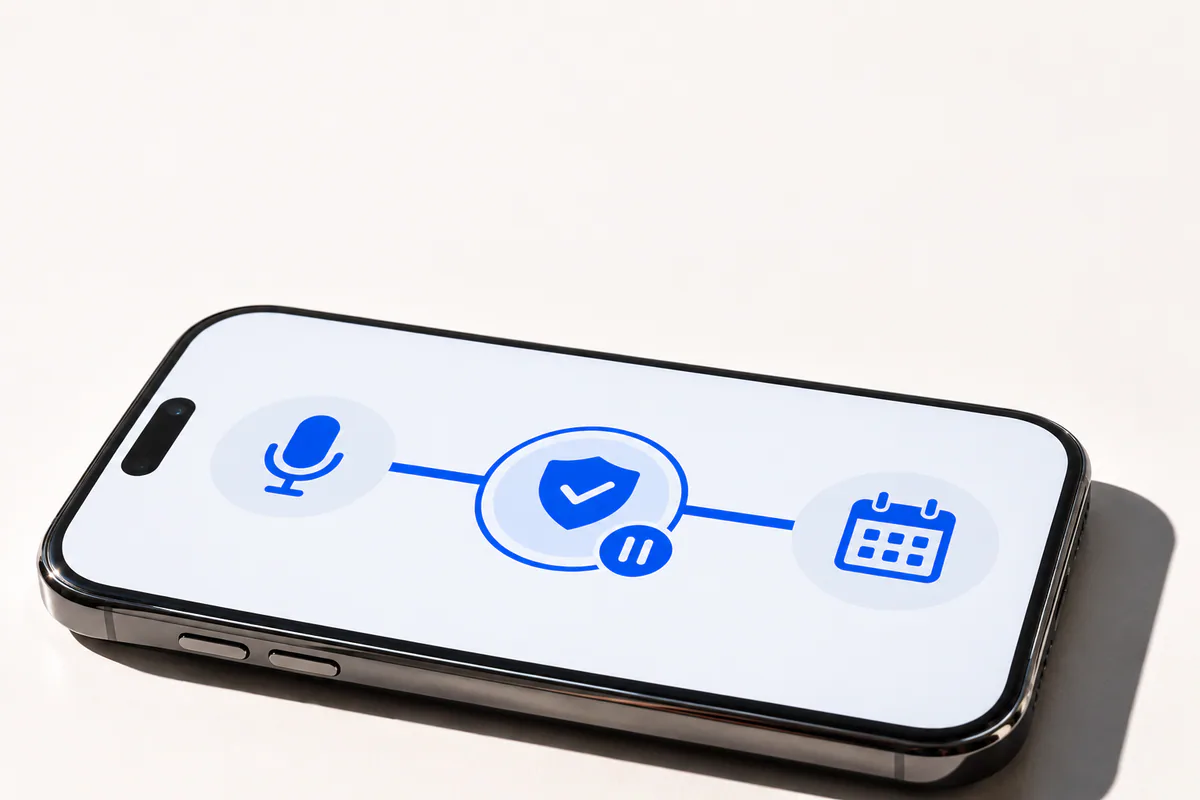
If managing email, calendars, and reminders in a single Telegram conversation fits your workflow, contact Celion. We will review your tasks and work with you to define the scope and stages of a similar solution.
Callback
Leave your details and we will contact you shortly.
Become a Partner
Leave your contact details and we will get back to you shortly.
Order Service
Leave your phone number and we will contact you shortly.