 Odoo
Odoo How Odoo Is Transforming Supermarkets in Uzbekistan: A Real Case Study
If you run a supermarket or grocery store in Uzbekistan, and you want transparency, control, and growth — Odoo is the sy...
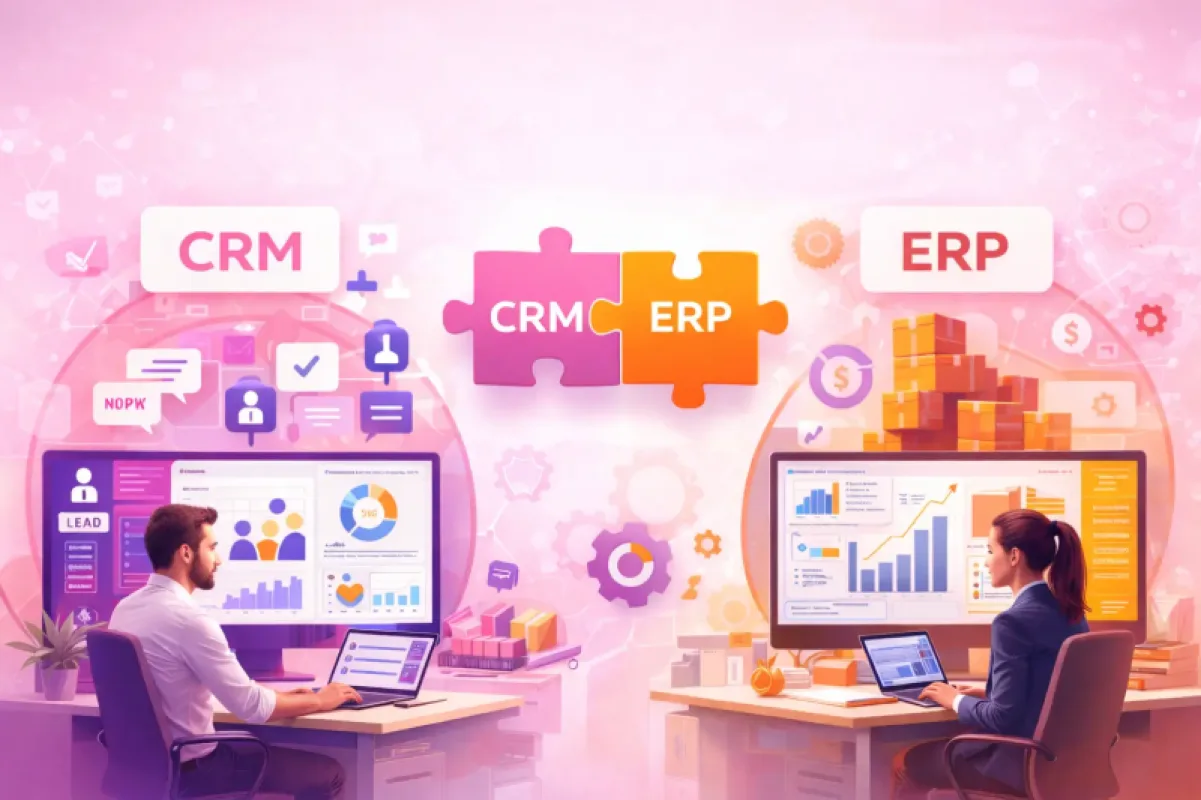
CRM (Customer Relationship Management) usually organizes how you work with customers: leads, sales pipeline, inquiries, service, repeat sales.
ERP (Enterprise Resource Planning) manages a company’s core internal processes in one database: sales–warehouse–procurement–finance–manufacturing–HR, etc.
The short essence of the difference: CRM is more the “front side” (customer-facing), ERP is more the “internal side” (resources and processes). In practice, the best result comes when there is “one database.”
If customers get lost, leads are forgotten, and sales are uncontrolled → starting with CRM makes sense.
If your warehouse, cash flow, cost price, procurement, receivables, or manufacturing are messy → you need ERP.
In many businesses, the problem starts at “we bought CRM and that’s it”: CRM does not fix operational internal chaos.
The biggest mistake: “I bought software = I digitalized.” No. Implementation (process, data, training) decides everything.
Even at the state level, moving toward a “digital economy,” expanding internet infrastructure, and growing digital services are constantly on the agenda.
But at the business level, the issue is often different: systems are fragmented, data exists “there and here,” and the final truth is “in the manager’s head” or “in one person’s Excel.”
That’s why people type into Google:
“What is ERP” / “What is CRM”
“ERP vs CRM difference”
“ERP or CRM, which one do I need”
“where to start business digitalization”
“what is systemization”
… and the saddest part: many answers are marketing, not a practical roadmap.
CRM is customer relationship management: who came from where, who talked to them, what offer was sent, when to call back, who is “hot,” who is “cold,” and who disappeared. CRM typically gathers customer data coming from different channels and coordinates sales/marketing/service work.
What CRM gives you:
Leads don’t get lost (everything is in the “pipeline”)
Sales stages become clear (who is stuck where)
Managers’ work becomes measurable (calls, meetings, follow-ups)
Customer history doesn’t disappear (what they asked, what happened)
When can CRM be enough?
You provide services, and warehouse/manufacturing is not complex
The main problem is: no sales discipline (leads “stay in Telegram”)
Finance and operations are very simple
ERP is managing core business processes in a unified system: data is in one database, processes are close to real-time, and departments don’t tell each other “wait.” ERP usually collects, stores, and manages data from many company activities and enables cross-department flow through a shared database.
What ERP gives you:
Warehouse stock becomes “real”
Procurement–sales–warehouse–cash flow connect to each other
Receivables, payment discipline, and cost price can be controlled
The manager sees things now, not “when the report is ready”
When does ERP become necessary?
Sales and warehouse have grown
Multiple branches/stores/warehouses appear
Receivables, cash/transfers, delivery become more complex
The question “who is doing what?” becomes frequent
One Excel file can’t carry everything anymore
CRM: find customers, sell, retain
ERP: manage internal resources and processes
CRM: lost leads, sales discipline, service control
ERP: warehouse, cash flow, procurement, manufacturing, overall order
CRM often holds customer data on the “front” side
ERP connects “all” data in one database
CRM: sales growth, conversion, service quality
ERP: transparency, fewer mistakes, faster decisions, control
CRM mistake: “pipeline exists, but there is no stock” or “promises exist, but no cash flow”
ERP mistake: doing “everything at once,” and employees don’t adopt it
The most correct idea: CRM and ERP don’t cancel each other out. In many businesses, they work best when they are in one system.
Try answering “yes” to these 5 questions:
Do lead and customer data disappear?
Are managers evaluated “by eyesight” instead of metrics?
Does warehouse stock often not match reality?
Do receivables and cash flow become clear only “late”?
Are branches growing or processes becoming more complex?
Result:
1–2 “yes” → you can quickly bring order with CRM
3–5 “yes” → ERP is your core pain
All “yes” → you need a unified system approach, not scattered tools
0–30 days: “Order”
Write down processes (sales, warehouse, payment, delivery)
Clean data: customers, products, prices, debts
Choose the 1–2 most important flows (for example: sales + warehouse)
31–60 days: “Unification”
Connect sales and warehouse
Standardize document flow
Train employees (this is where most projects fail)
61–90 days: “Control”
Management dashboard (real-time indicators)
Rules: who does what, where approvals happen
Plan next modules (finance, HR, manufacturing)
Choosing software without choosing the process (you need order, not just a system)
Dirty data (product cards, customers, prices are incorrect)
“Everything at once” (employees can’t swallow it)
No owner (without one accountable person, the system belongs to nobody)
No training (people return to old habits)
No integration plan (systems become fragmented again)
Trying to make implementation cheap (it becomes twice as expensive later)
What is CRM?
A system to manage customer work, sales process, and service.
What is ERP?
A system to manage a company’s core processes in one place close to real-time.
What’s the difference between ERP and CRM?
CRM is customer/sales side, ERP is internal resources/processes side.
Does a small business need ERP?
If warehouse/receivables/sales have grown, yes. Otherwise you can start with CRM.
If I buy CRM, will I not need ERP?
Often no. CRM doesn’t fully fix operational chaos.
What is the most important thing?
Implementation: process + data + training + control.
If you are just starting “systemization,” the question before “ERP or CRM?” is: which problem is losing you the most money?
If the issue is lost leads and uncontrolled sales → CRM
If the issue is warehouse/cash flow/receivables/cross-department gaps → ERP
If both exist → a unified system approach
If your goal is not “one more software,” but real digitalization and systemization, Celion.io can practically deliver the following based on Odoo:
Process audit (AS-IS) and target model (TO-BE)
Step-by-step Odoo implementation (start from the module that gives quick results)
Data migration (clean transfer from Excel and existing databases)
Adaptation to local needs (bank/payments/fiscal, etc.)
Employee training and support
So it’s not about just knowing “what is ERP, what is CRM.” It’s about putting the business into one system and getting real control.
Callback
Leave your details and we will contact you shortly.
Become a Partner
Leave your contact details and we will get back to you shortly.
Order Service
Leave your phone number and we will contact you shortly.