
 Digital Marketing & SEO
 Ronaldo and Uzbekistan: How to Catch an SEO Traffic Spike in 90 Minutes
The Portugal vs Uzbekistan 5:0 match showed how quickly a sporting event turns into search demand. We look at what busin...

When an external service goes down, keep saving orders in your own database. Completing a payment or confirming a courier, however, requires a response from the provider. Don't make order acceptance depend on an external API response.
For a business owner searching for "Yandex Go outage Uzbekistan", the practical task is this: don't let an outage at another company wipe out a customer's cart in your system. There is a condition, though: the order intake system on your website, mobile app or Telegram, and its database, must still be working.
An order saved does not mean money received. Both the customer and the manager need to see that distinction on screen. Otherwise, the customer may pay again, while an employee may count an unconfirmed payment as money received.
Verification limits: the incident links below, the services' current official status and the Celion service page have not been independently verified. This article therefore does not confirm the cause of any specific outage or when service will be restored.
Links provided for verification: a Yandex Go link dated October 11, 2026, a Yandex Uzbekistan link dated October 12 and an Uzum Market link dated October 10. A link alone is not evidence. Until its contents have been checked, don't present an outage cause or recovery time as fact.
Check the Yandex and Uzum incidents separately. Without official confirmation from Uzum, don't link its outage to Yandex infrastructure. Even physical damage to a data center does not, by itself, prove a cyberattack.
An old news report cannot tell you why Uzum Market isn't working now. Check the current status in the service's app or through an officially verified communication channel; contact support if necessary. For a business integration, establish the status of the specific API or partner portal you use.
An app opening does not mean every function is working. An error on one phone isn't proof of a widespread outage either. Check the local internet connection and device, then make sure your business's own server is running.
Rather than telling support "nothing is working", name the operation that is failing. Are orders not being saved? Is payment confirmation missing? Is a delivery request getting no response? You can't choose the right action without knowing which operation has stopped.
The "Place order" button on your website or mobile app should first save a record in a database controlled by your business. Sending it to an external service comes next. Even if that service never responds, the order record must remain in your system.
A hypothetical example: a shop in Tashkent takes orders through its website and Telegram. An external provider handles payments, and sales are sent to 1C. If the provider doesn't respond, the shop saves the order details and the customer's contact information, assigning the order a stable identifier. The manager uses that identifier to find the record.
A saved order is not a delivery promise. If stock levels come only from an ERP that is currently unavailable, the website must not show a product as definitely in stock. If you display the last updated stock level, make it clear that it may not reflect current availability.
The same process is needed when taking orders through Telegram. The bot receiving a message is not enough: send the customer an "Your order has been saved" confirmation only after the record has been written to the database. A message in a manager's personal chat is no substitute for an official order record.
A failure can also occur between writing to the database and adding the order to the transmission queue. Save the order and the task to send it in a single database transaction. This prevents a situation where the order is saved but no task is created to send it to the external service.
If the website and Telegram bot both rely on the same failed server, switching channels won't help. A backup intake channel is useful only while the infrastructure it needs is working. Customers may still be able to browse products or leave an inquiry, but confirmation of actual stock and delivery times has to wait.
No response to a payment request does not mean no money was charged. The provider may have completed the transaction, but its response may not have reached your system. Don't display "Payment failed" as soon as the request times out.
Store order status and payment status separately. "Order received" means the business has saved the record. "Awaiting payment confirmation" means receipt of the money has not yet been confirmed. That status must not authorize the warehouse to ship the goods.
The Payme Business developer documentation defines separate Merchant API methods for checking and executing transactions. Build your integration around the rules of the API you use. General advice cannot replace the provider's transaction procedures.
Don't leave customers searching for "payment pending, what should I do?" State on screen that an automatic check is in progress and show them how to contact support. If the outcome is unknown, don't offer a button that encourages the customer to pay again.
A message you can use: "Your order has been saved. Payment confirmation has not arrived yet, and we're checking the status. If money has been charged to your card, don't pay again. Send your order number to support. We'll let you know once the outcome is confirmed."
The message can be provided in the customer's chosen language: Uzbek, Russian or English. Choose the language to suit the audience. Every version should explain the payment status and the customer's next step in the same way.
The manager's screen should also show the "being checked" status. Otherwise, the website tells the customer to wait while a sales employee sends a new payment link. Don't promise that the payment will definitely go through. It is safer to offer an alternative payment method after the outcome of the previous transaction has been established.
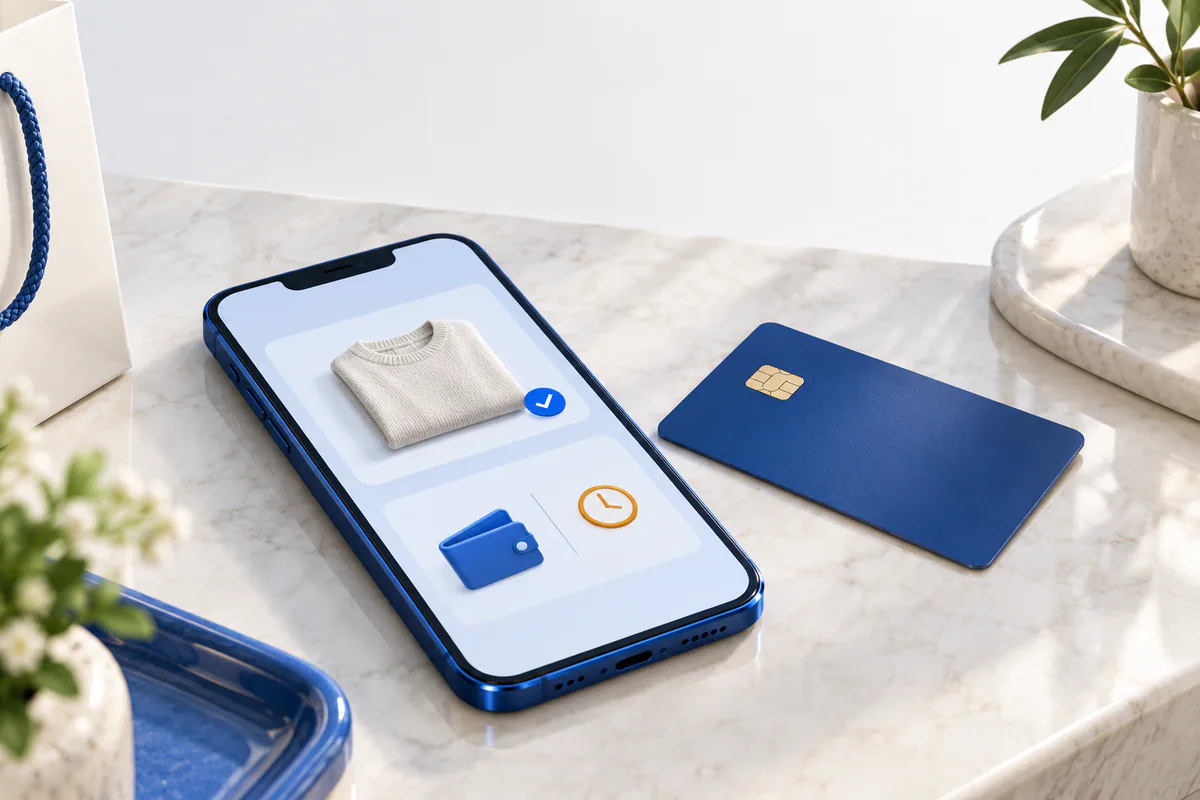
If the payment response is missing, show a pending-verification status.
A customer may press the button again. Once the connection is restored, the mobile app may also repeat the request; the provider may send the same notification again. If the system treats every repeat as a new purchase, a single order will be created multiple times.
Give each logical operation a stable identifier. Keep that identifier when retrying the request. The system uses it to return the previous result or indicate that the operation is still in progress. That is what idempotent processing means: a repeated request is handled, but the action is not performed again.
Blocking duplicate records in the business database does not automatically prevent another charge to the card. If the provider supports safe retries using a relevant key or transaction identifier, follow the procedure in its documentation. Without that guarantee, don't automatically create another payment when the previous outcome is unknown.
For temporary errors, increase the delay between retries and add a random variation. This keeps all waiting requests from being sent at once when the service recovers. Repeating an operation indefinitely without correcting invalid details or addressing a rejection, however, achieves nothing.
Check payment notifications too. First, verify that the notification came from the genuine sender. Then check that the order and amount match; only after that should you mark the record as "paid". If the same notification arrives again, it must not create a second warehouse dispatch task.
When a customer reports "I was charged twice", support must be able to use the order number to see its linked transactions. Automatically refunding money before the checks are complete is risky too: a refund is a separate financial operation. Don't ask the customer for their card security code or confidential verification details to investigate.
An API responding again does not mean your records now match. First, check the operations whose outcomes are unknown. Then send the remaining tasks in a controlled way.
Compare the payment record in the business database with reliable transaction data from the provider. Order and payment identifiers link the records, and the amount must match too. If you find a discrepancy, don't leave the record sitting in the general queue: put it on the responsible employee's task list.
Keep the source identifier in every task queued for transmission to CRM and ERP. The CRM may have created a record even though its response was lost. When that request is retried, the integration should find and update the existing record rather than create a new sale. This requires a corresponding identifier or a duplicate-detection procedure in the receiving system.
Account for how long the task has been waiting in the queue. In the meantime, the product may have sold out or the customer may have canceled the order. Once service is restored, check the order's current status before executing an old task.
Recording a sale in 1C is not the same as completing a fiscal transaction. ARCA software services support integrating fiscal equipment with 1C and ERP through an API. Show the dependency on the fiscal service separately in the technical architecture. Follow that service's rules when reprocessing fiscal transactions too.
Instead of telling the customer "everything is back up", explain what has changed with their order. If payment is confirmed, send the confirmation. If delivery is still being checked, say so. Don't limit monitoring to checking whether the website opens: the oldest task in the queue and unmatched payments need to be visible too.
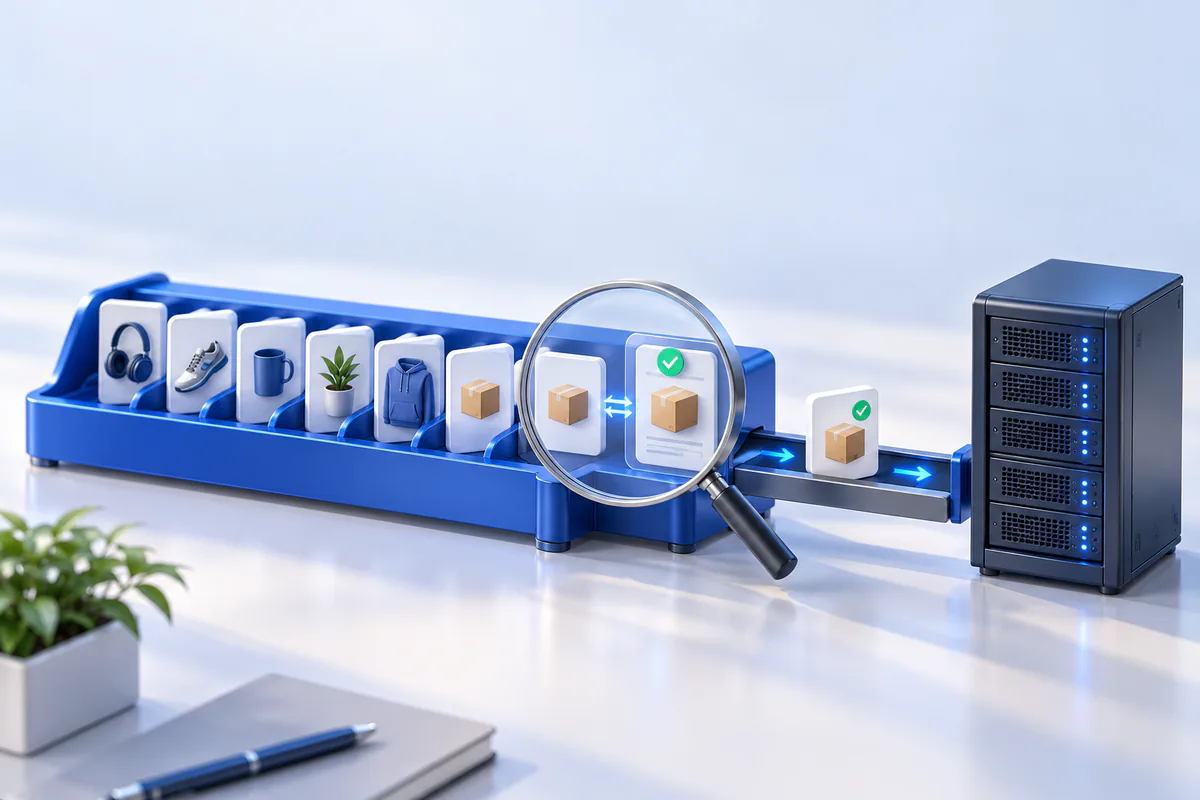
Check order and payment statuses before replaying queued synchronization.
Without a verified local price for this work, quoting a single figure is misleading. Separate the audit from software changes in the estimate, and list outage testing separately too. Don't bundle ongoing monitoring and support costs into the initial work.
A costing model for the hypothetical shop: initial budget = audit hours × audit rate + development hours × development rate + testing hours × testing rate. Take the rates and scope of work from the contractor's proposal. Monthly costs include infrastructure and the agreed service fee. This formula is neither a market price nor a Celion quote.
Don't leave the operator interface out of the estimate. If the queue works but employees cannot find an error in it, the order still goes unresolved. Preparing a manual review procedure and training the responsible employee should be part of the scope too.
Send these questions to your technical team or to every contractor submitting a proposal:
If orders are easy to manage manually and delays cause little harm, you don't need to spend money on complex backup infrastructure. But don't put off fixing a process that leaves payment outcomes uncertain. Ask your team to stop the external API from responding in a test environment and show you how order and payment statuses appear. Direct the budget toward the problems the test reveals.
To discuss the scope of a technical audit and API integration work with Celion, show us the order flow on your website or mobile app. Define the audit task clearly: when an external service doesn't respond, where is the order saved, and who checks the payment outcome, using what process?
Callback
Leave your details and we will contact you shortly.
Become a Partner
Leave your contact details and we will get back to you shortly.
Order Service
Leave your phone number and we will contact you shortly.