 Business Automation
 CRM Automation and Follow-Up for Sales Teams in Uzbekistan
A practical guide for Uzbek sales teams: how to eliminate manual entry, stop losing leads, and build automated follow-up...
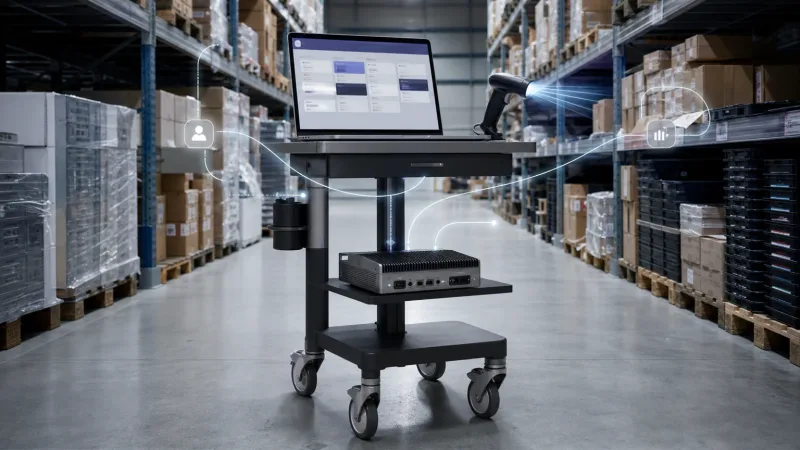
On Monday morning, the head of sales opens an order in Odoo CRM. The warehouse manager says 1C shows a different stock balance. Meanwhile, a customer who contacted the company through Telegram receives an outdated price. Faced with this kind of situation, an executive will often say: "Let’s move everything to a new system." It sounds decisive. It may also create a much bigger problem.
Do not rush. You do not need to dismantle your existing systems to connect 1C, Odoo CRM, and AI. Separate their responsibilities instead: 1C stores financial data, stock balances, and outstanding debt; Odoo manages the sales process; and AI retrieves the necessary data through an API, classifies the inquiry, or prepares a response for the manager. An integration layer in between controls the exchange. Start with a pilot in one workflow and measure the result. Our recommendation is firm: do not replace every system at once. First, bring order to the way they work together.
The most dangerous question in an integration project is: "Which system has the correct data?" If the team does not have one clear answer, AI will only accelerate the confusion. The same customer gets created twice in Odoo, the price from 1C arrives late, and the manager eventually goes back to Excel.
Assign one owner to each type of data. For example, product stock and payment status can be maintained in 1C, while the sales stage is managed in Odoo. AI must not become a third "source of truth." It should read records, prepare recommendations, and update only fields that have been explicitly approved in advance.
In an architecture that works, every system has a clearly defined role.
01
Stock, accounting, payments, and outstanding debt are managed in this system.
02
Leads, deal stages, and manager tasks are maintained in this system.
03
It classifies inquiries and prepares summaries and draft responses.
04
It maps fields, logs errors, and controls data exchange.
If the standard objects in both systems are similar, a ready-made connector can deliver results faster. The 1C Connector available in the Odoo Apps Store allows teams to configure rules for mapping fields and tables. But if the company’s 1C environment has been heavily customized over the years, forcing an off-the-shelf module to fit it can become expensive.
For a complex process, an API is usually the better choice. Odoo exchanges data through XML-RPC and JSON-RPC, while 1C can use OData or custom HTTP services. A visual integration platform may be enough for a simple notification or a one-way data flow. Do not get attached to the name of the tool. Choose based on how you will recover the process when something goes wrong.
Warning
Do not allow the same record to be edited freely in both systems. Two-way synchronization is safe only when the data owner is defined, versions are controlled, and duplicate records are blocked.
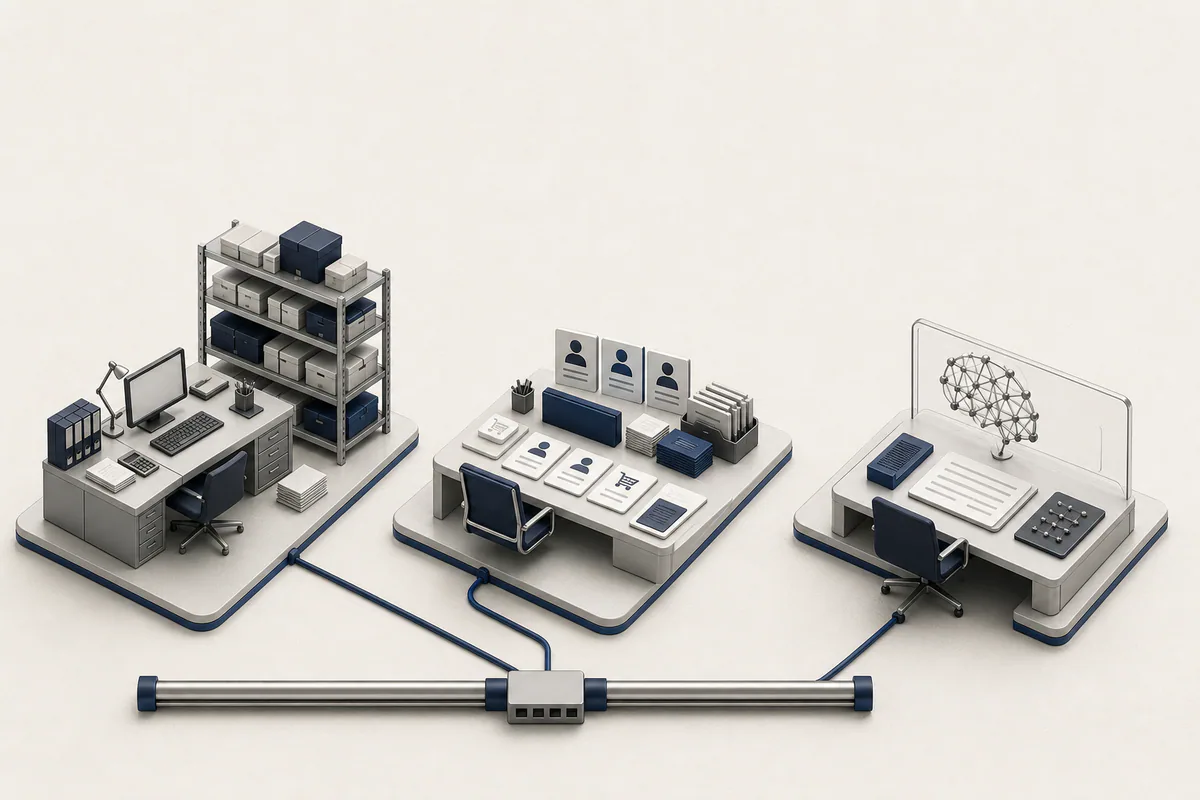
Clear ownership prevents data conflicts between 1C, the CRM, and AI.
Consider a distributor in Tashkent. A customer writes on Telegram: "Will you have 20 units tomorrow?" AI understands the request in Uzbek, Russian, or English. It retrieves the customer’s history from Odoo and the current stock and price from 1C, then prepares a response for the manager. During the first stage, a person reviews it.
AI must not "guess" how much stock is in the warehouse or post a document in 1C on its own. Its job is to reduce the time required to find information and prepare a decision. Once the results become consistent, low-risk actions can be automated. For example, AI can add a note to the CRM or create a task.
Before launching a large project, take one clearly defined workflow from start to finish.
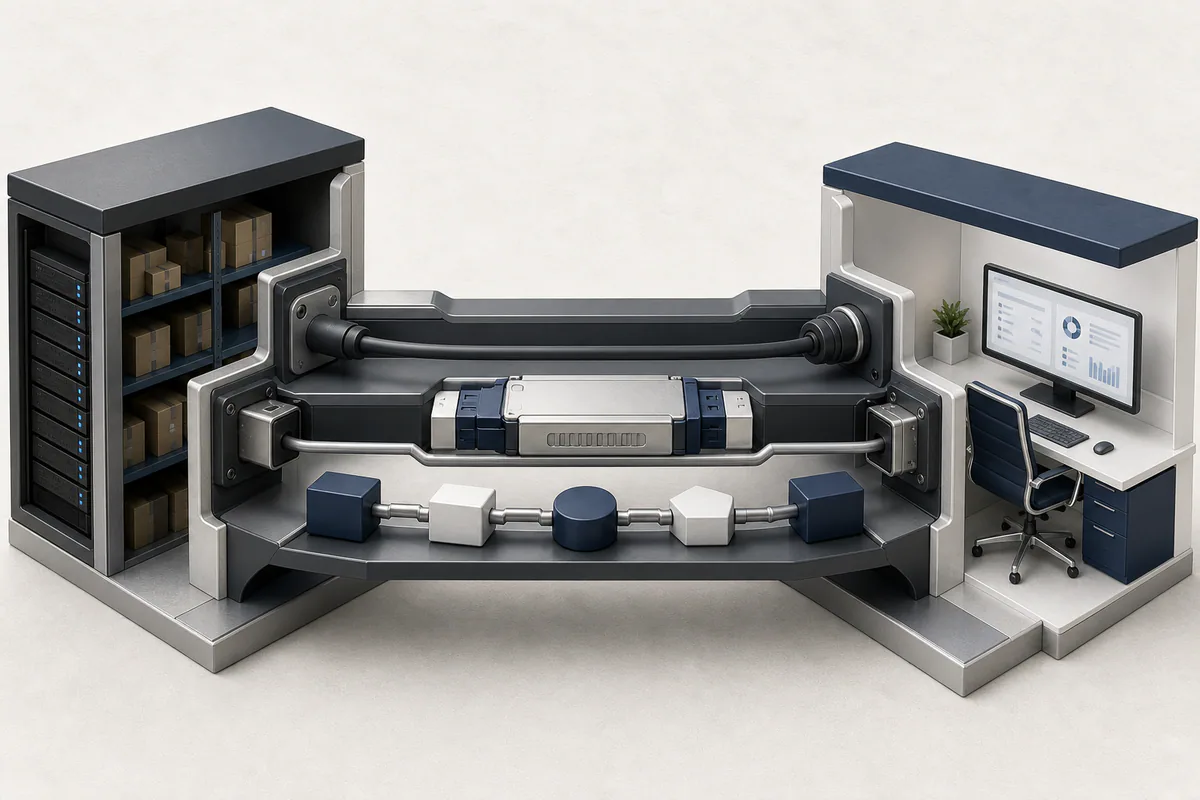
The integration method depends on exchange complexity, load, and control requirements.
An executive sees a finished response or an updated deal on the screen. Behind it, however, are mechanisms for catching duplicate requests and matching identifiers. Time zones must be handled consistently, and failed records must be reprocessed. Without these mechanisms, a polished demonstration can turn into a queue of records requiring manual correction within a month.
The integration log should show which system sent what, which data the AI used, and who approved the result. In any process involving financial or personal data, give each service only the permissions it actually needs. "The API worked" does not mean the project is ready.
AI does not fix confusing data. It reproduces that confusion faster and at a larger scale.
Celion engineering principle
We do not recommend integration in every situation. If the 1C configuration is no longer supported, the database contains dozens of versions of the same object, or nobody uses the CRM, an intermediary layer will only hide the problem. In that case, the data should be cleaned up first, or part of the system should be replaced.
But saying "the system is old" is not enough reason to migrate. If the existing platform can provide reliable data and exchange it through a secure API, a complete rebuild often becomes an unnecessary expense. The business then pays for disruption it never needed.
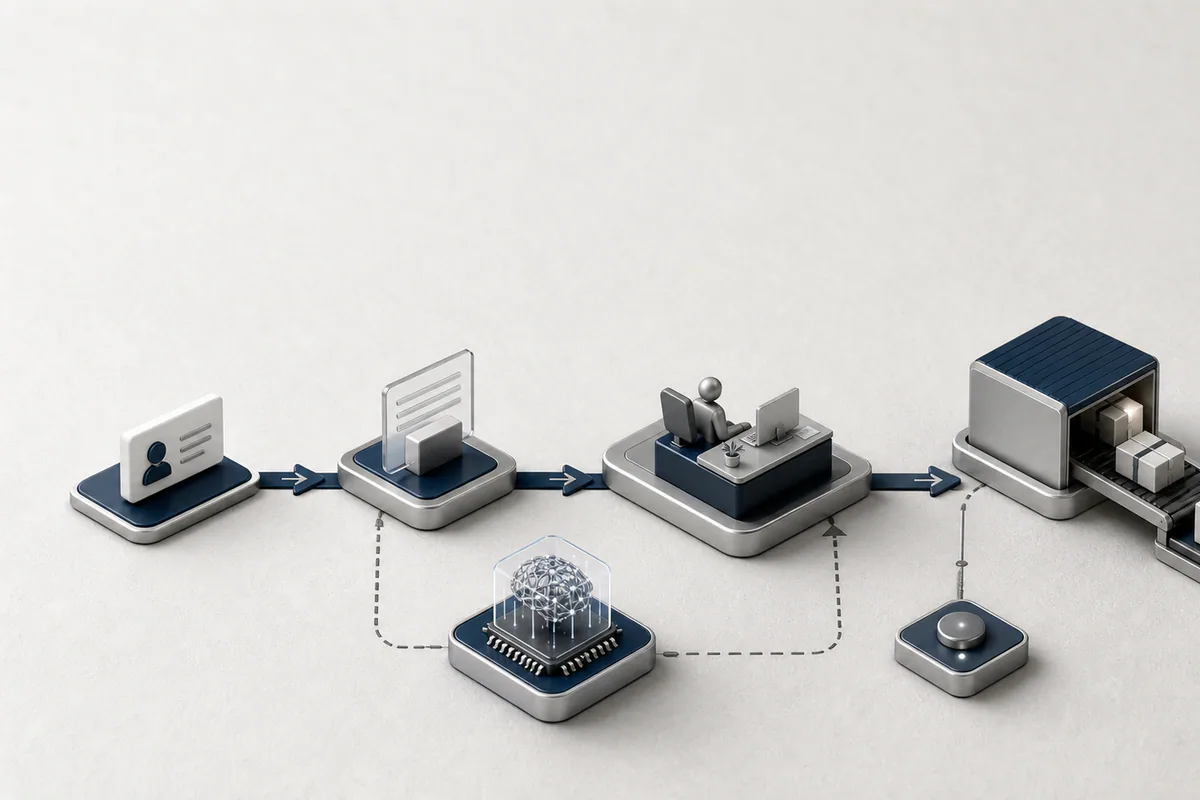
AI is safer at a control point where final decisions and accountability remain human.
Before starting an AI integration, agree on these rules with your team.
Do both systems need to be upgraded before connecting 1C and Odoo CRM?
Not always. Start by reviewing the current versions, configuration changes, and API capabilities. A ready-made connector may be enough for standard objects. A heavily customized 1C environment may require a dedicated API layer. Plan an upgrade only if security, support, or technical limitations prevent the integration.
How long does it take to launch a simple integration?
A prototype of a clearly defined, one-way data flow can be ready in a few days. A production-grade solution also includes testing, permission management, error handling, and monitoring. The timeline depends less on the system name and more on the customizations in 1C and the quality of the data.
Can AI respond to customers automatically on Telegram?
Yes, but during the first stage, it is better to have a manager approve the response. AI can retrieve stock and pricing from 1C and customer history from Odoo, then prepare a draft response in Uzbek, Russian, or English. Once the results are accurate enough, automatic replies can be enabled for low-risk questions only.
Must the data be sent to a cloud-based AI service?
No. The architecture should be chosen based on security requirements and the type of data involved. Instead of sending a complete document to AI, you can send only the required fields, mask personal data, or run the model in a private infrastructure. Access rights, retention periods, and audit logs should be agreed upon at the beginning of the project.
What increases the cost of integration the most?
In most cases, the main cost drivers are not the AI model but disorganized data and numerous exceptions. The same customer appearing under different codes, custom documents in 1C, and undocumented business rules all increase manual work. That is why the data flow and responsible systems should undergo a short audit before the technical estimate.
The Celion team reviews the data flow between 1C, Odoo CRM, Telegram, and AI services, then designs a secure pilot architecture. Contact us to assess your existing systems and receive a practical integration plan.
Callback
Leave your details and we will contact you shortly.
Become a Partner
Leave your contact details and we will get back to you shortly.
Order Service
Leave your phone number and we will contact you shortly.