 Business Automation
 CRM Automation and Follow-Up for Sales Teams in Uzbekistan
A practical guide for Uzbek sales teams: how to eliminate manual entry, stop losing leads, and build automated follow-up...
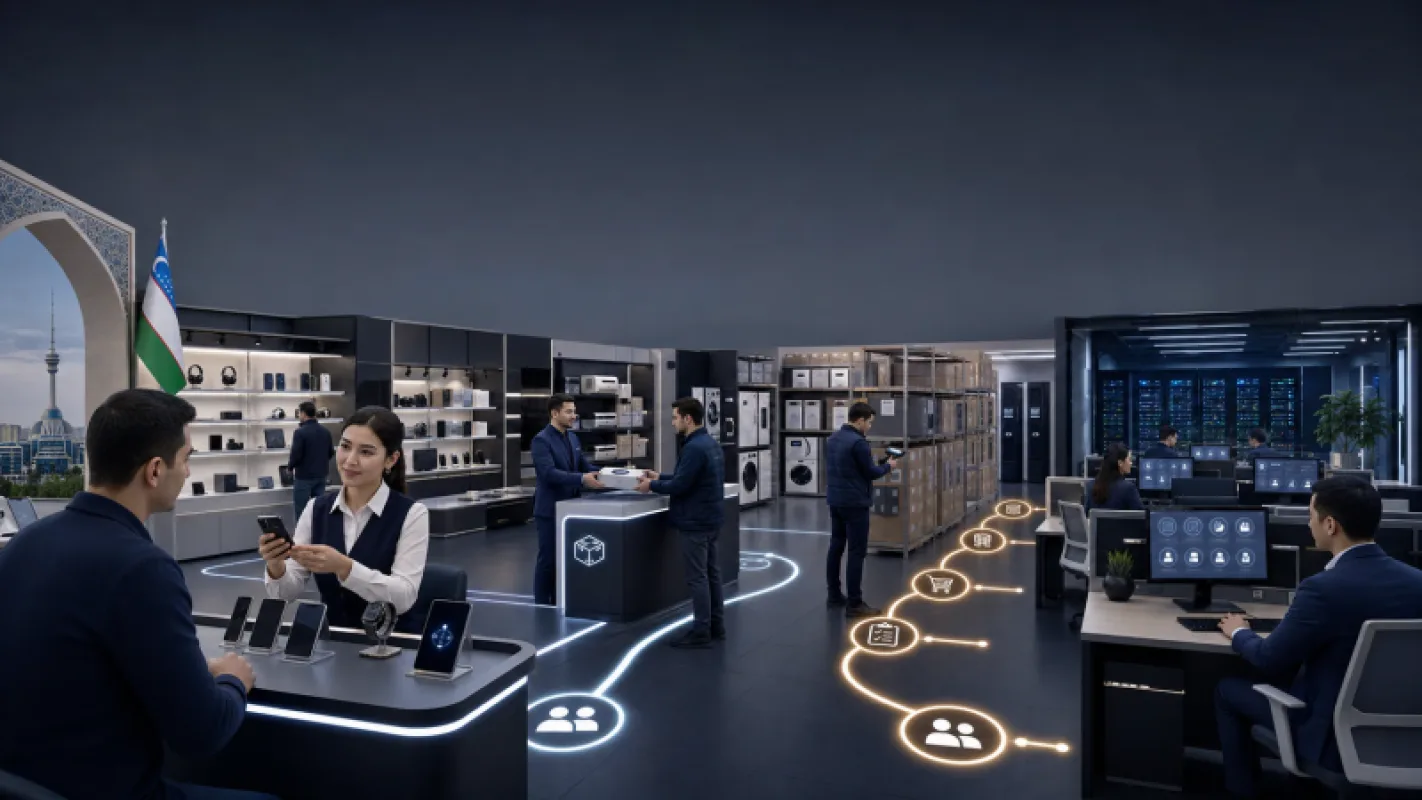
Monday, 9:15 a.m. The sales manager at a Tashkent distributor is searching for an inquiry that got buried in Telegram. At the same time, the warehouse clerk says that a product shown as available in the system is actually out of stock. The problems appeared side by side, but a single piece of software will not solve both.
Short answer: CRM manages customers, inquiries, and sales stages. ERP connects inventory, finance, and the company’s internal operations in one system. If the sales team keeps forgetting to follow up with customers, start with CRM. If stock balances are wrong, product costs are calculated late, or employees repeatedly enter the same information, start with ERP. When an order moves from sales to the warehouse and then to billing, the systems need to work together.
Choosing ERP or CRM as a cure for every problem is a mistake. In 2026, before asking which software is better?, answer a more important question: where is the money being lost?
Many executives think of CRM as sales software and ERP as large-scale accounting software. That distinction is not enough to make a sound decision. CRM tracks the promises made to customers—for example, when the next contact should happen and why a deal has not closed. ERP answers a different question: can the company actually deliver on that promise?
Suppose a manager confirms an order worth 42 mln soums. CRM stores the deal and the communication history. ERP checks the available stock and calculates how much margin will remain after the sale. If inventory is insufficient, a purchasing task is created there as well. CRM shows the journey leading up to the order; ERP shows the economics behind it.
Find the row that matches your problem. That will reveal where to start.
01
If Telegram and Instagram inquiries remain buried in chats, CRM brings them together in one place.
02
CRM assigns a deadline and a responsible employee for the next call.
03
CRM shows managers which stage every deal has reached.
04
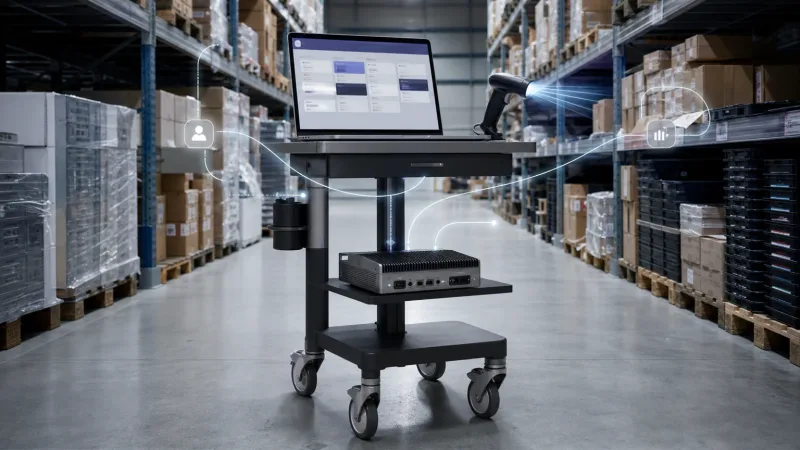
ERP connects the stock balance in the system to actual incoming and outgoing inventory.
05
ERP calculates costs by product or order.
06
ERP lets data be entered once and passed between departments.
If inquiries are coming in but sales results vary from one manager to another, start with CRM. A furniture showroom in Tashkent may receive 20 inquiries a day. If those inquiries remain in managers’ personal Telegram conversations, the business owner cannot tell which customers never received a response. Money is spent on advertising, while what happens to each inquiry afterward remains invisible.
CRM assigns a Telegram inquiry to the responsible employee and records the response deadline. When the reason for a lost deal is documented, the manager can see exactly where the sales process is breaking down. Communication in Uzbek, Russian, and English is managed within the same process. Routing is configured according to the needs of the customer and audience.
Common Mistake
CRM will not fix a disorganized sales process on its own. It will simply expose the disorder faster. If sales stages and response times have not been agreed on, ownership of the deal remains unclear. The new system then turns into an expensive contact book.
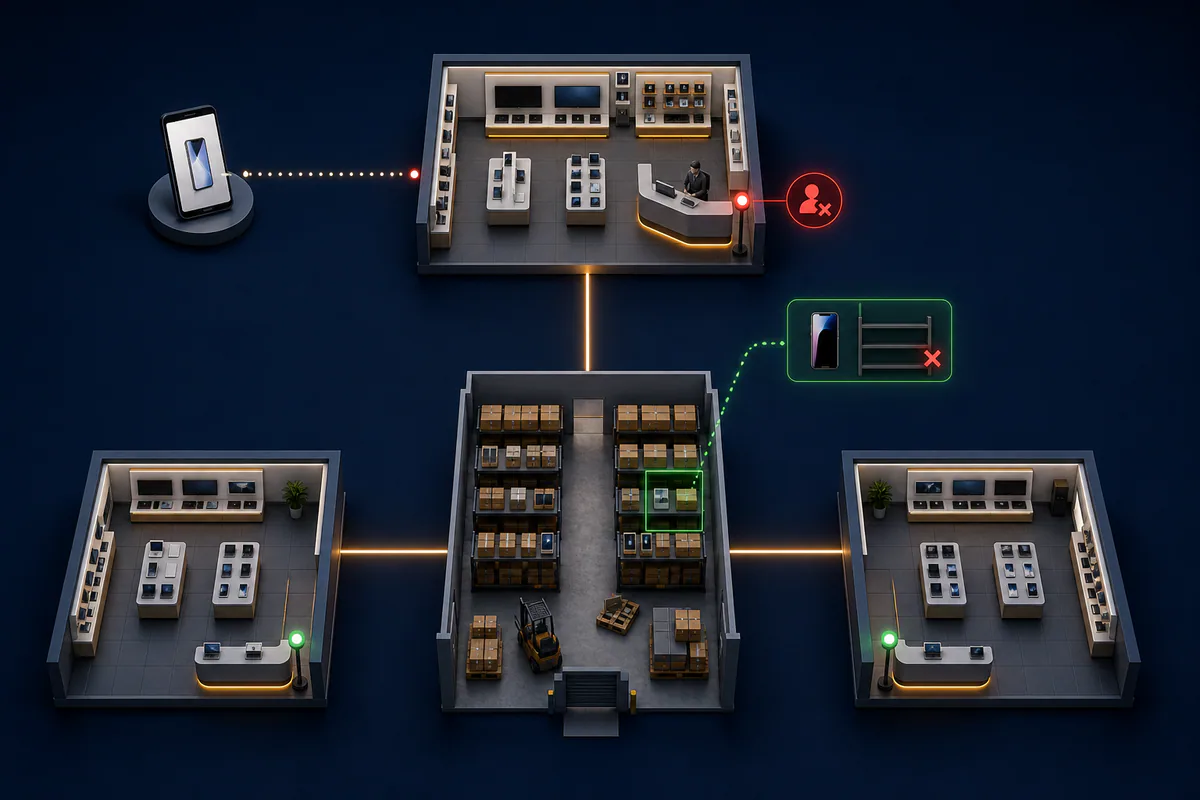
CRM should come first when inquiries get lost and salespeople forget to follow up.
If sales are coming in but no one knows which products are actually profitable, CRM is not the problem. Once a company has multiple warehouses, branches, or production stages, Excel files start showing different figures. The manager receives a report but does not trust it.
ERP connects inventory movements with purchasing and financial records. Statista’s forecast for Uzbekistan shows that expanding small and medium-sized businesses are increasing demand for integrated ERP solutions. As a company grows, manual coordination becomes more expensive than the software license.
Complete these five tasks before attending a software demo.
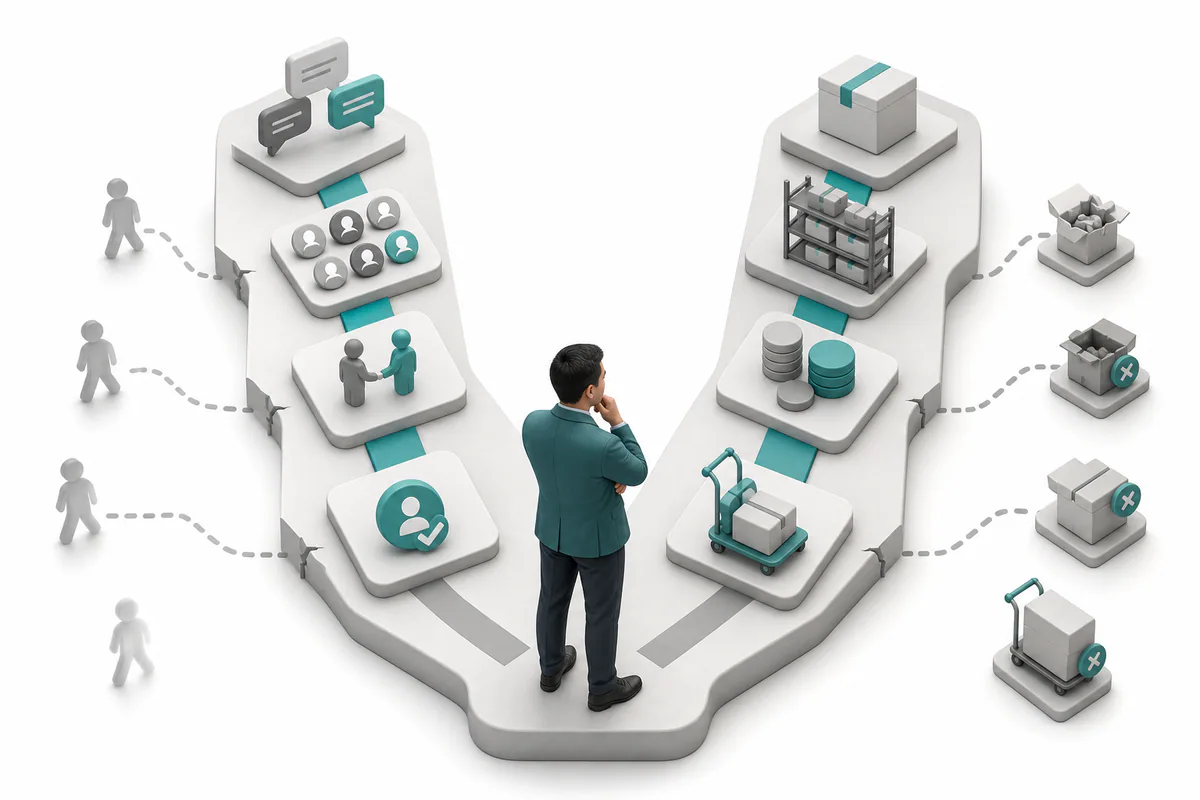
Stock, costing, and duplicate-entry errors show why delaying ERP becomes expensive.
CRM and ERP can work side by side, but data should not be transferred manually. Once a deal worth 42 mln soums is confirmed in CRM, ERP checks the inventory and reserves the product. After shipment is completed, the status is sent back to CRM. The manager does not need to call the warehouse clerk and explain the order from the beginning.
Both systems do not have to be part of the same product. Odoo can run CRM and ERP modules on a single platform. In other cases, an existing 1C system or a separate CRM can be connected through an API. Solve the data flow before choosing the brand: decide from the outset which system will serve as the source of truth for customers, products, and orders.
CRM shows where the sale stands. ERP calculates how much money remains from that sale.
Celion engineering team
Start with the loss in your business, not with a list of products.
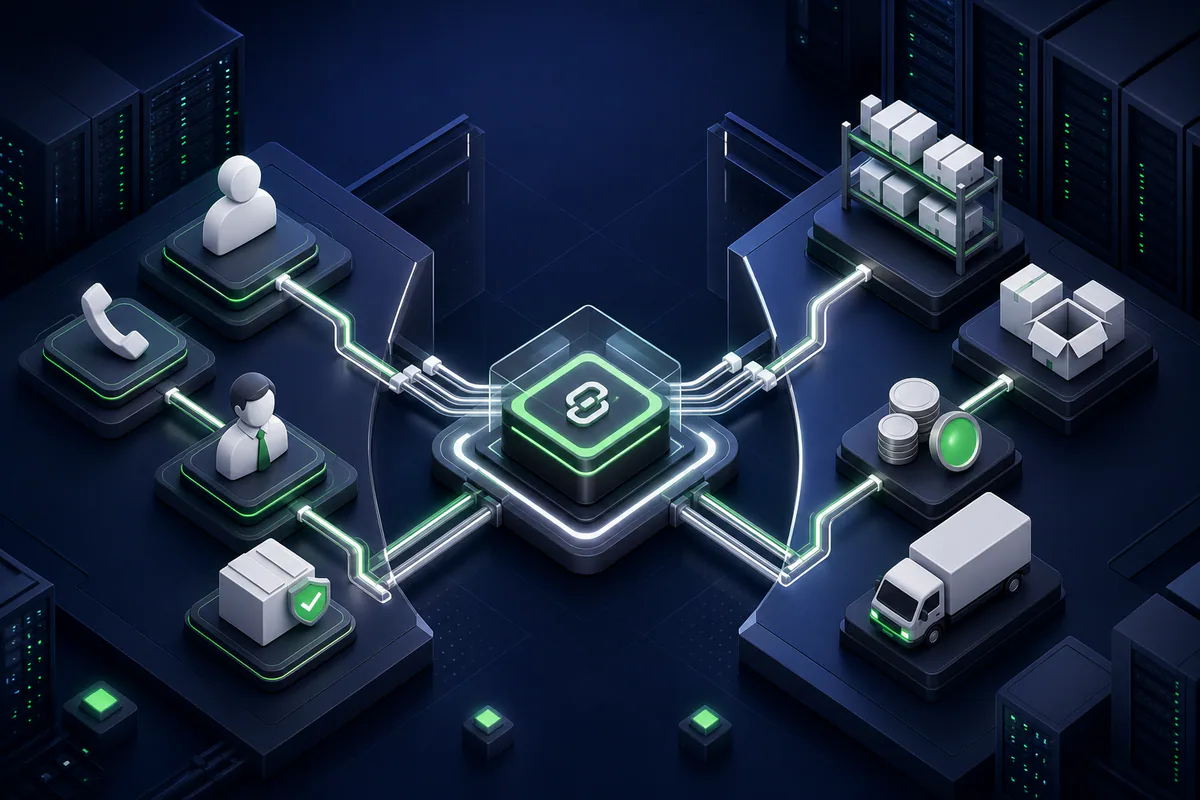
CRM and ERP integration prevents sales, warehouse, and finance from becoming separate information islands.
Which is cheaper, CRM or ERP?
An initial CRM project is often narrower because the work may be limited to the sales team and incoming inquiries. ERP affects more internal processes. As a result, it usually requires more analysis, data migration, and customization. The final price depends more on project scope and integrations than on the number of users.
Can Odoo function as both ERP and CRM at the same time?
Yes. Odoo can run CRM, sales, inventory, purchasing, and finance modules on one platform. You do not have to launch every module at once. Start with the process where the greatest loss is occurring. Once the data is organized, connect the next module.
We already use 1C. Do we need to replace it to implement ERP?
Not always. If the accounting process in 1C is stable, a new ERP or CRM can be connected to it through an API or another data exchange method. The decision to replace it should be driven by the amount of duplicated work, reporting quality, and service costs—not by the latest technology trend.
Can Telegram be connected to CRM?
Yes. A Telegram bot, website form, or another suitable integration can automatically send inquiries to CRM. The inquiry is assigned to the responsible manager, the response deadline is tracked, and the outcome of the conversation is stored with the deal. For businesses in Uzbekistan, this is often one of the first integrations in a CRM project.
How long does ERP or CRM implementation take?
A limited CRM phase can often be launched in 4 to 8 weeks. An ERP project covering inventory, purchasing, and finance may take several months. The timeline depends not on the software name, but on the number of processes, the quality of legacy data, and how quickly managers make decisions.
The Celion team will analyze your business processes, determine whether ERP, CRM, or an AI-powered solution should come first, and prepare an implementation plan. Contact us. We will begin the conversation not with a software demo, but with the point where your business is losing money.
Callback
Leave your details and we will contact you shortly.
Become a Partner
Leave your contact details and we will get back to you shortly.
Order Service
Leave your phone number and we will contact you shortly.