
 Web & Software Development
How Celion Builds a Website: From First Message to Launch
Celion builds websites not as decoration, but for a business purpose: we map the customer journey, add security from the...

A Telegram APK scam is an attack that disguises an Android installation file as a document, update, or service app to persuade someone to install it. The rule is simple: do not install an APK received in a chat, even if it comes from an account you recognize. Businesses should also state clearly that they do not send APK files to customers through Telegram.
Many companies communicate with customers through Telegram. That means even an existing conversation with a familiar account can become an attack vector if a scammer takes control of it. Below, we examine what the report from Nukus confirms, which details remain unknown, and what to do if the file has already been installed.
The Spot page is dated November 21, 2026. The report says that individuals suspected of stealing money from bank cards were detained in Nukus. The source cites the Cybercrime Prevention Unit of Uzbekistan’s Ministry of Internal Affairs.
This date is in the future relative to the research context provided. The incident timeline should therefore be verified again before publication. The people mentioned in the report are identified as suspects; no court ruling or final calculation of damages is provided.
According to the report, malicious APK apps were sent through Telegram. Information relating to 162 bank cards was found in the suspects’ messages, while the total damage was reported at nearly 1 bln soums. However, this does not confirm that all 162 cards were compromised or that all the money was stolen using the same method.
The technical details of the attack have not been disclosed either. What has been confirmed is that APKs were distributed through Telegram and that the incident was linked to money being stolen from bank cards. An APK is an installation package for an Android app. Receiving the file in a chat does not mean the device has already been compromised, but opening it may install a malicious app on the phone.
When identifying a fake Telegram APK, the file name, logo, or familiar name of the sender is not enough. If a scammer takes over an account and sends a file within an existing conversation, the message can look trustworthy. A label such as “invoice” or “new version” does not make the file safe.
For a business, the risk does not end with an employee’s phone being compromised. A customer may install a file sent in the company’s name and lose money. Support requests then increase, while trust in the brand declines. If managers communicate with customers through personal Telegram accounts, the line between an employee’s private messages and the company’s official communication becomes even less clear.
Our recommendation is firm: do not distribute APKs through Telegram. If your company has an Android app, direct customers to an official app store or a verified page on the company’s domain. A file being sent through Telegram does not mean it has been verified.
Language is not a sign of safety either. A message written fluently in Uzbek, Russian, or English can be equally fraudulent. Do not judge it by its writing style; check who the sender is and where the file is being distributed from.
If you have installed a malicious APK, do not open your banking app or enter a new password on the suspected phone. Disconnect the device from the network. Contact your bank from another trusted device and ask how to secure access to your card and account. If money has been withdrawn, request an immediate review of the transactions. Whether the funds can be recovered depends on the bank’s investigation and the applicable procedures.
Next, check your active Telegram sessions, sign out any unfamiliar devices, and enable two-step verification on the account. In Telegram, this setting is usually found under Settings → Privacy and Security → Two-Step Verification. Choose a password you do not use for any other service. For recovery, enter only an email address that you control.
Securely preserve evidence relating to the chat, sender’s account, file name, and suspicious transactions. Report the message within Telegram. If money or personal data has been compromised, contact the bank providing the service, as well as an official channel of the Ministry of Internal Affairs’ Cybercrime Prevention Unit or your local Internal Affairs Department. Simply deleting the app does not prove that the problem has been resolved. The device may need to be inspected by a specialist or securely reset.
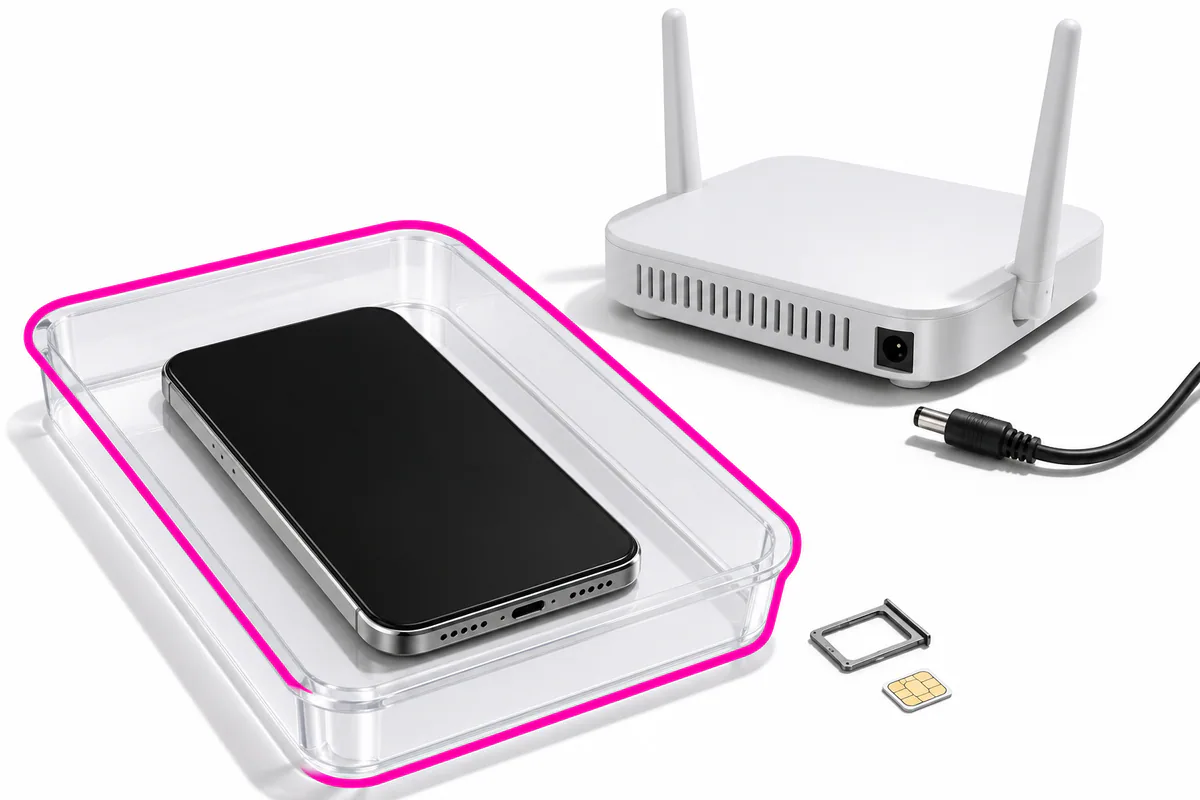
Antivirus software alone cannot stop Telegram scams. Customers need an independent official source—not the suspicious chat itself—to answer the question, “Is this file really from you?” At Celion, we recommend connecting the company website, Telegram bot, and internal CRM around this verification process.
For example, the website can include a dedicated page for official app links and security alerts. A Telegram bot can direct customers to that page without collecting bank card details. An emergency banner can also be published through the CMS. Reports about suspicious accounts can be routed into a single queue, with a record of who approved each warning.
The prepared message sent to customers should be short and clear:
“We do not send APK files through Telegram. Verify official links to our app and services only on the company website. If you receive an APK in our name, do not install it. Send the sender’s account details to our support team.”
If money has already been transferred or a device has been compromised, a new website or bot is not the first response. The bank, law enforcement, and a security specialist responsible for incident response should be involved first. Web development then ensures that customers know exactly which source to trust the next time they receive a suspicious message.
Celion can build your company a secure website, an official Telegram bot integration, and a customer alert page that can be updated quickly during an incident. The rule is clear: if customers cannot verify an APK through an independent official source, do not send it through Telegram.
Callback
Leave your details and we will contact you shortly.
Become a Partner
Leave your contact details and we will get back to you shortly.
Order Service
Leave your phone number and we will contact you shortly.