 Business Automation
CRM Automation and Follow-Up for Sales Teams in Uzbekistan
A practical guide for Uzbek sales teams: how to eliminate manual entry, stop losing leads, and build automated follow-up...
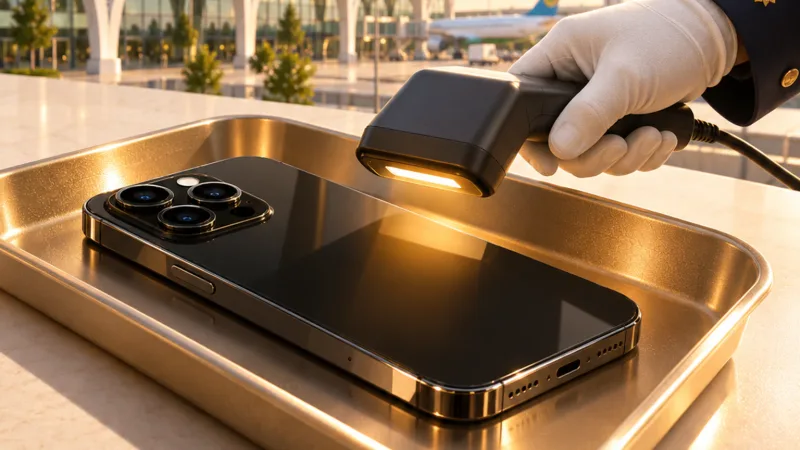
On November 10, 2026, customs clearance of phones was temporarily suspended at Tashkent International Airport. The process resumed on November 11. No new ban or tax was introduced, nor was any procedure established for holding phones for an extended period.
The current rule is clear: every mobile device brought in from abroad must be included in the customs declaration and then registered in the UzIMEI system. The same procedure does not apply to a passenger’s personal phone and a shipment imported for resale. For an importer, the biggest risk is not the fee. The real problem begins when the audit trail connecting the IMEI, customs document, and sold device is broken.
The November 10 suspension was related to clarifying procedures for checking cloned, replaced, or reused IMEI codes. According to Spot, customs clearance resumed on November 11. A permanent presence of UzIMEI technical specialists was also established at the airport.
Reports circulated on social media claiming that phones would be confiscated for 30 days or could be cleared on the same day in exchange for a large fee. These claims were not confirmed as official policy. Passengers and importers alike should rely on customs declarations and UzIMEI requirements, not unofficial offers to “speed things up.”
The tighter controls were not introduced without reason. According to customs data cited by UzDaily, 185 illegal import cases involving 1 185 devices were identified from the beginning of 2026. Their value was estimated at 8,8 billion soums. It would be wrong to conclude from this incident that “phone imports have been banned.” An IMEI is no longer merely a technical code. It is a control field that links a device’s origin to its customs documentation.
An individual arriving by air may bring in up to two mobile devices. However, the duty-free allowance is not calculated as 1 000 dollars for each phone separately. The 1 000-dollar threshold applies to the total value of all personal goods brought in by air. This limit is established in the government resolution published on LexUZ.
A phone being within the allowance does not mean it can be omitted from the declaration. The duty-free allowance determines whether customs duty is payable. The declaration records that the device was legally brought into the country. UzIMEI registration then relies on that document.
If the device is registered within 30 calendar days of the date it first successfully connects to Uzbekistan’s mobile network, an individual pays 88 000 soums. After the deadline, the fee rises to 110 000 soums. The current rates are listed on the MyGov service page. An unregistered device will no longer be able to use local mobile services.
Keep a copy of the declaration before leaving the airport. Compare the IMEI code on the phone’s box with the code displayed by dialing *#06#. And do not leave registration until the end of the 30-calendar-day period. Foreign nationals may use a device on the gray list for up to 60 days in a calendar year, but this procedure does not apply to commercial imports.
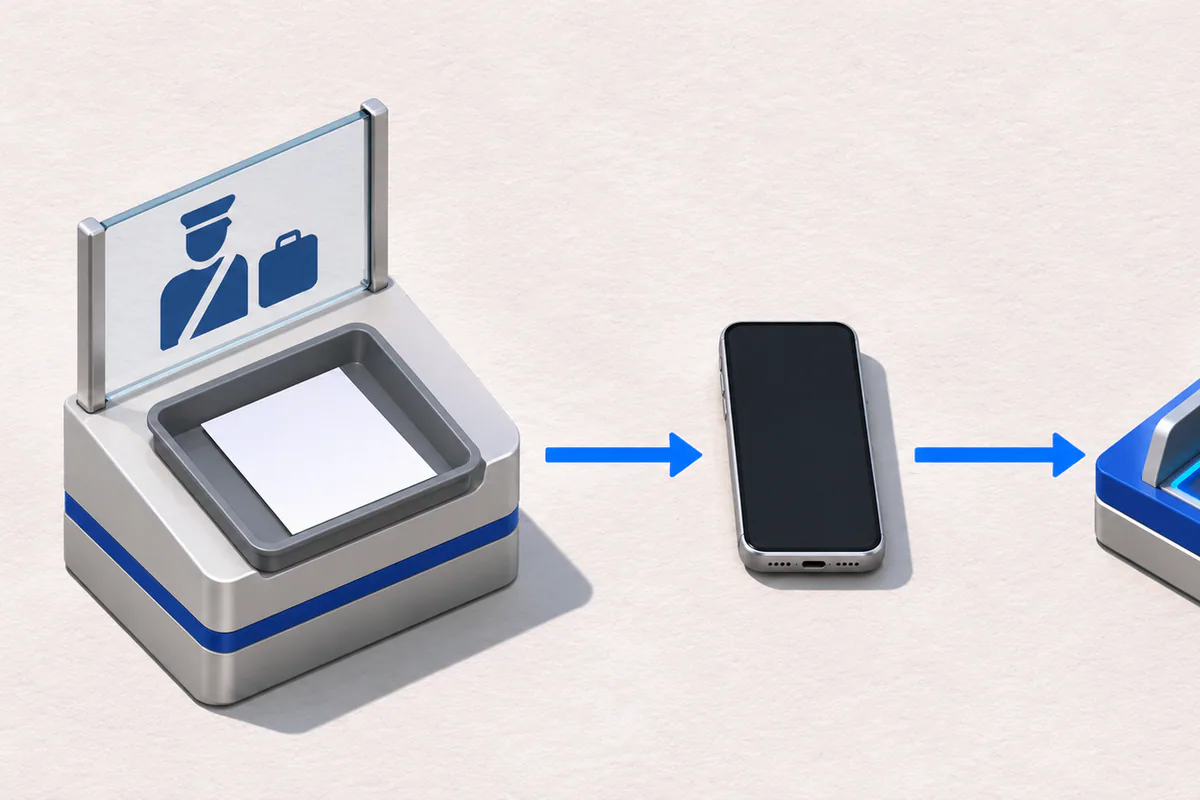
A commercial shipment cannot be cleared using a passenger declaration. The importer must use the IM-40 customs procedure, correctly enter the devices’ IMEI codes in box 31 of the declaration, and complete UzIMEI registration within three days in accordance with the established procedure.
For a retailer, the main problem is not the registration fee. When a customer cannot use their phone, the store must be able to quickly identify which import document covers that specific device. Otherwise, the case gets stuck between the sales manager, warehouse employee, and customs broker. A sticker on the box or a PDF sent by the broker cannot serve as the sole source of record.
A phone importer or retail chain should keep the following fields connected in a single audit trail:
If the IMEI does not match during receiving, do not release the device for sale. If its UzIMEI status has not been approved, ERP or 1C can block the sales document. The responsible employee can then receive a notification via Telegram. This kind of automation is unnecessary for a passenger bringing in a phone once for personal use. But for a business that imports devices regularly, a basic spreadsheet is not a reliable control tool.
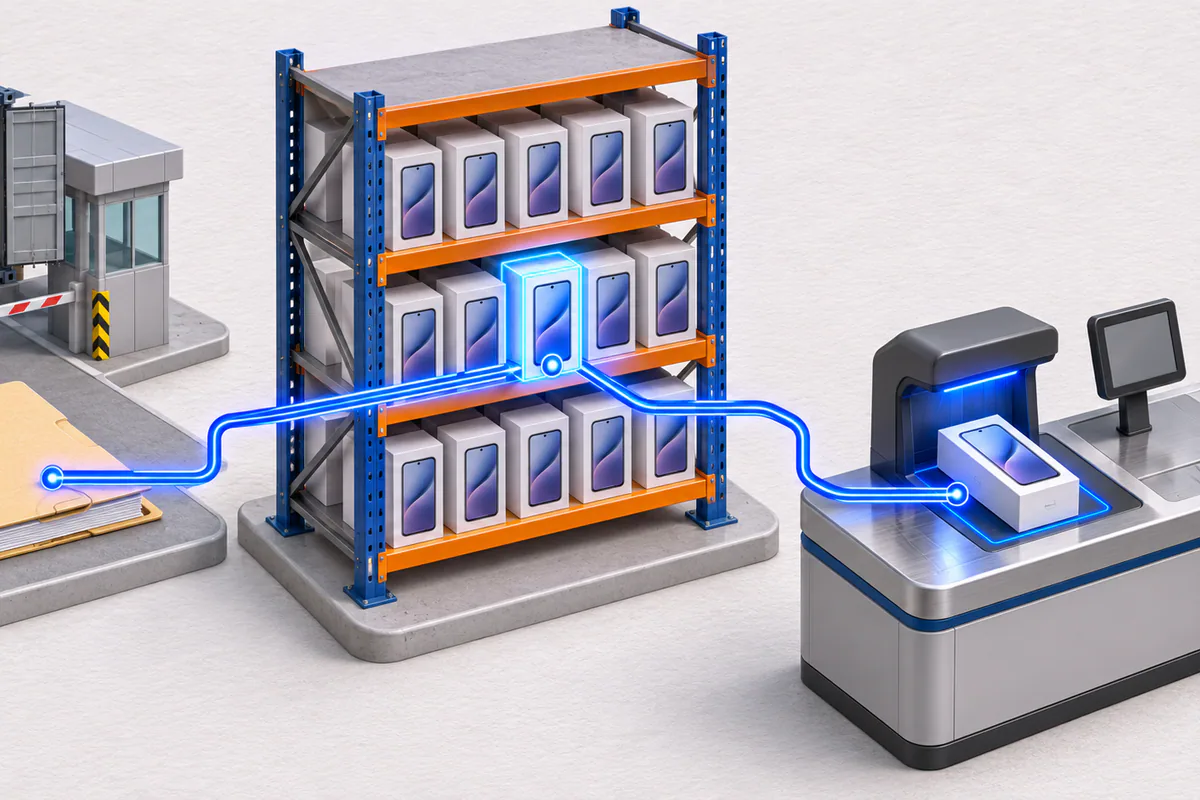
Celion configures serial-number-based tracking for phone importers and retail chains within Odoo, 1C, or an existing ERP. IMEI codes from a customs file can be uploaded into the goods receipt document, duplicate or incorrect codes can be flagged, and each device’s UzIMEI status can be stored. The system can also prevent unapproved devices from being sold.
Starting an integration by trying to replicate the UzIMEI website is the wrong approach. We first examine the flow of data within the business: the format in which the broker provides the file, the screen the warehouse uses to receive the device, and how the branch sells it. The process for recording which IMEI is used when a returned phone is added back into inventory must also be defined in advance. Otherwise, the system will simply spread a manual error faster.
The test is simple: if you cannot find the import document, inventory status, and sale associated with a single IMEI within one minute, map the fields before the next shipment arrives. That will make it clear where integration, mandatory checks, or Telegram alerts are needed.
Celion’s ERP integration and business process automation service connects IMEI records from the customs declaration through to the final sale in a single workflow. We begin by reviewing the process in your existing Odoo, 1C, or other system.
Callback
Leave your details and we will contact you shortly.
Become a Partner
Leave your contact details and we will get back to you shortly.
Order Service
Leave your phone number and we will contact you shortly.