 Web & Software Development
How Celion Builds a Website: From First Message to Launch
Celion builds websites not as decoration, but for a business purpose: we map the customer journey, add security from the...

Does Google Pay work in Uzbekistan? Yes, but confirmed availability remains limited for now. According to a Kun.uz report dated November 27, 2026, Ipak Yo‘li Bank cards can be added to Google Wallet and used through an Android smartphone to pay in stores, apps, and online.
That does not mean every local card and merchant accepts Google Pay. Businesses should not rush to add a new button. First, confirm that the bank supports the card, the acquiring provider supports Google Pay, and the website’s payment flow processes the order correctly.
According to the report, Ipak Yo‘li Bank customers can add their bank cards to Google Wallet. They can then pay by phone at contactless terminals, in apps, or on websites.
However, this information is not enough to draw broad conclusions about Google Pay Uzbekistan banks. The source does not mention other local banks, payment providers, or commerce platforms. Nor does it confirm that every locally issued Visa and Mastercard can be added to Wallet. Check card compatibility with the issuing bank.
It is important not to mix up the terms. Google Wallet is the app that stores cards and other digital items. Google Pay is the payment mechanism used with those cards. Google Play is the store for Android apps and digital content. A merchant’s acceptance of Google Pay has nothing to do with Google Play.
The source date, November 27, 2026, appears to be in the future at the time of this review. For that reason, obtain written confirmation from Ipak Yo‘li Bank and your chosen acquiring provider before promoting the service or starting an integration.
For businesses, this is not only about contactless terminals. The report mentions in-store, in-app, and online purchases together. That means Google Pay is also relevant to the mobile website checkout experience.
For example, a customer follows a product link from Telegram to an online store. If the checkout page asks them to enter their card number and expiration date again, the purchase takes longer. With Google Pay, an eligible customer can choose a saved card and pay faster. But the payment provider must support Google Pay as well.
Many businesses overlook what comes next. Once the money has been charged, the website must mark the order as "paid," notify the warehouse, and send the correct identifier to the CRM or ERP system. Otherwise, the customer pays while the manager searches through Telegram messages for the order.
Google Pay is not a separate "new checkout system" for businesses. It is another payment method added to an existing acquiring setup. There is no need to replace Click, Payme, standard card payments, and cash all at once. Google Pay should remain an additional option for eligible customers.
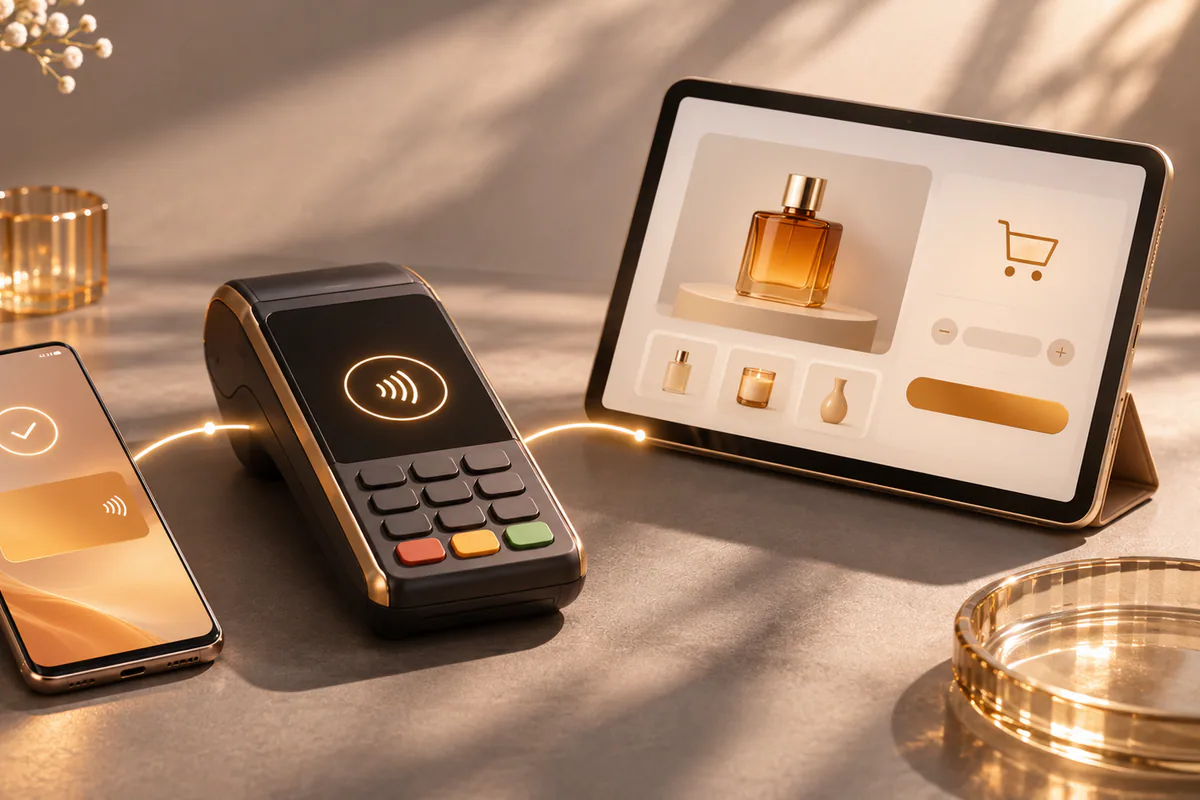
To enable Google Pay for an online store, contact your current bank or payment provider first, not Google. If the provider offers Google Pay on its payment page, you may not need to build an entirely new payment system. If it does not, there is no point adding the Google Pay logo to the interface.
Send the provider these questions in writing:
Then run one test order from beginning to end: add a product to the cart, pay with Google Pay, update the order status, send a receipt or confirmation, reduce warehouse stock, and issue a refund. Do not leave the refund scenario until last. That is often exactly where problems appear.
If the provider cannot give a clear answer, do not promote Google Pay or display it on the payment page. A button that does not work damages customer trust. If demand is still unclear and the integration requires major rebuilding, fix the existing checkout errors and simplify the mobile flow first.
At Celion, this kind of project begins with a technical review. We map the website or mobile app platform, the current acquiring setup, order statuses, and the responses returned by the bank. Then we decide whether a ready-made module is sufficient or an API integration is required.
The work on an online store does not end when the Google Pay button appears. If the payment succeeds, the order must move to the correct status in the CRM, Odoo, or 1C. A rejected or duplicate notification must not create the same sale twice. The manager should be able to see which channel the order came from, while the finance team should be able to match the transaction to the relevant order.
We do not recommend Google Pay to every business. If most sales happen offline and the bank has not yet confirmed support for the existing terminals, it is too early to begin an integration. But if orders come through a mobile website, customers currently enter card details manually, and the provider supports Google Pay, adding it alongside existing methods makes sense.
The decision rule is simple: do not consider Google Pay live until the bank has confirmed card compatibility, the provider has confirmed merchant integration, and website testing has validated the complete order flow.
As part of online store development and payment API integration, Celion reviews and connects the entire flow—from acquiring to the order status in the CRM, Odoo, or 1C.
Callback
Leave your details and we will contact you shortly.
Become a Partner
Leave your contact details and we will get back to you shortly.
Order Service
Leave your phone number and we will contact you shortly.